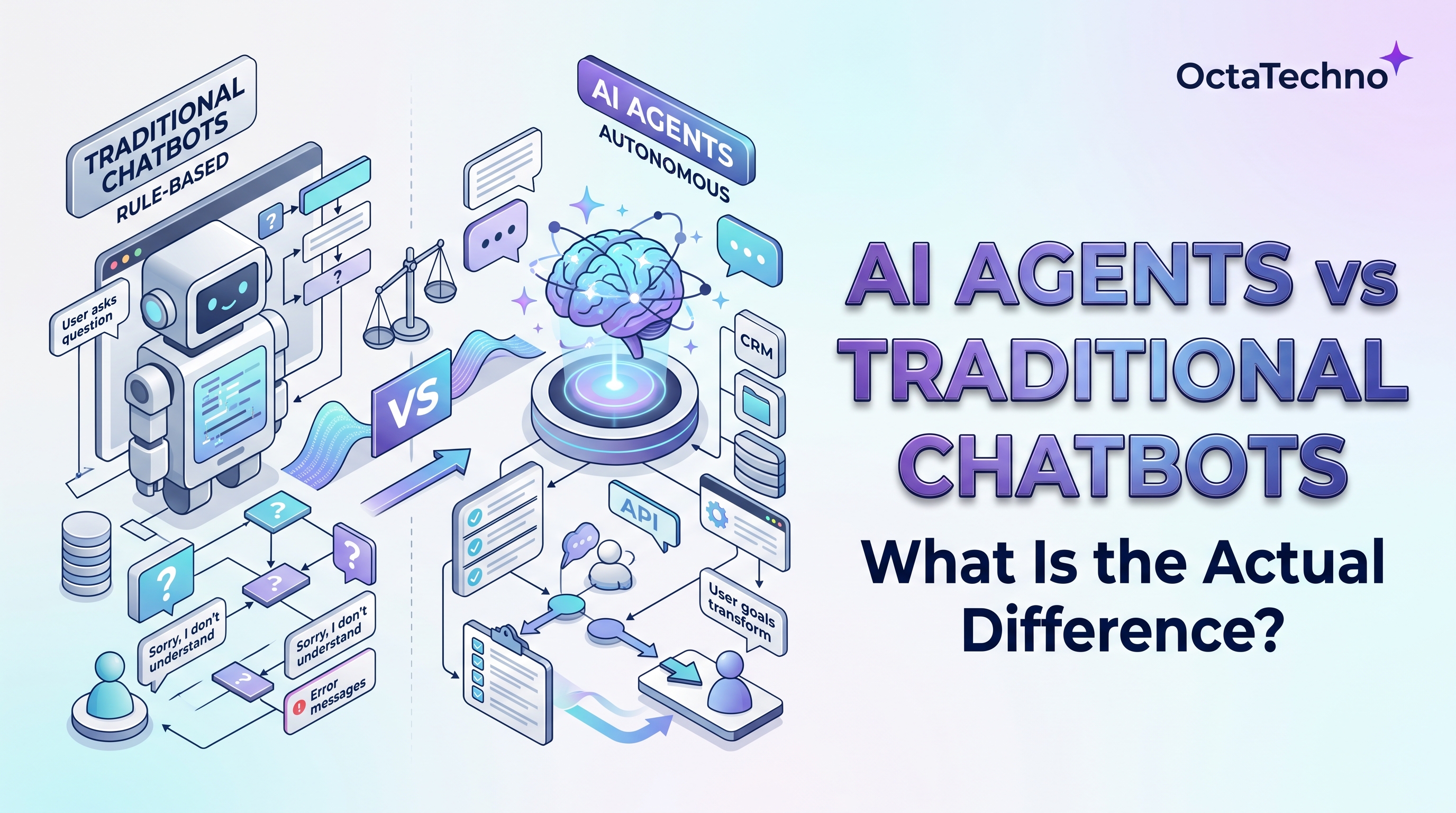
Every vendor now claims to sell AI agents, but most of what is marketed under that label is still a chatbot with better language skills. The confusion is understandable: both talk to users in natural language, and both can look impressive in a demo. Underneath, though, the two are built on entirely different ideas about what the software is supposed to do. A chatbot answers. An agent acts. Understanding that distinction is the difference between deploying a helpful FAQ widget and deploying software that actually completes work on your behalf.
What a Traditional Chatbot Actually Is
A traditional chatbot follows scripts. Even the modern LLM-powered kind is fundamentally reactive: it receives a message, produces a response, and waits. Its world ends at the conversation. It can look up an order status if someone wired that specific lookup to that specific question, but it cannot decide on its own to check three systems, compare the results, and draft a resolution. Its behavior is bounded by the paths its builders anticipated.
This is not a criticism. For well-defined, high-volume questions, scripted conversational flows are reliable, cheap, and easy to control. Password resets, opening hours, order tracking, appointment booking: when the set of intents is small and stable, a chatbot is often the right tool. Problems start when teams expect a chatbot to handle situations nobody scripted, because improvisation is precisely what it cannot do.
What an AI Agent Actually Is
An AI agent is given a goal, not a script. Instead of matching input to a prebuilt response, it reasons about what needs to happen, uses tools to take actions in real systems, observes the results, and adjusts its plan. A customer support agent, for example, might read the ticket, pull the order history from the CRM, check the warehouse system for shipment status, apply the refund policy, issue the refund, and write a summary, all as one continuous piece of work.
Four capabilities separate agents from chatbots. First, tool use: agents call APIs, query databases, and operate software rather than just producing text. Second, multi-step planning: they break a goal into steps and execute them in sequence. Third, memory: they retain context across steps and sessions, so work compounds instead of restarting. Fourth, bounded autonomy: they make routine decisions themselves and escalate the genuinely ambiguous ones to humans.
The Differences Side by Side
- Initiative. Chatbots wait for input. Agents can be triggered by events and work proactively, such as monitoring a queue and resolving tickets before anyone asks.
- Scope of action. A chatbot's output is a message. An agent's output is a completed task across multiple systems.
- Handling the unexpected. Chatbots fail gracefully or not at all when input falls outside their scripts. Agents attempt to reason through novel situations, which makes them more capable and also more in need of guardrails.
- Integration depth. Chatbots typically connect to one or two data sources. Agents are useful precisely because they orchestrate many: the CRM, the helpdesk, the billing system, the knowledge base.
- Failure modes. A chatbot fails by giving a wrong or unhelpful answer. An agent can fail by taking a wrong action, which is why permissions, approval steps, and audit logs are non-negotiable in agent design.
When a Chatbot Is Enough
Choose a chatbot when the job is conversational and bounded: answering FAQs, qualifying leads with a fixed set of questions, booking appointments, or deflecting routine tickets. If you can enumerate the intents on one page, you do not need an agent. Chatbots are faster to build, easier to test, cheaper to run, and simpler to keep compliant, which is a compelling package for well-understood problems.
When You Actually Need an Agent
Reach for agents when the work itself is the bottleneck, not the conversation. Intelligent ticket routing and resolution, invoice exception handling, lead research and enrichment, and multi-system data reconciliation are classic agent workloads: they require judgment across tools, and scripting every path would be impractical. The test is simple. If completing the task requires someone to open more than two systems and make decisions along the way, that is agent territory.
Evaluating Before You Trust
Agents earn trust through measurement, not marketing. Before any agent touches production systems, run it against a library of realistic scenarios with known correct outcomes and score every decision. Track task completion rate, escalation accuracy, and cost per completed task over time. The teams that succeed with agents treat evaluation as permanent infrastructure: every model update, prompt change, or new tool permission gets re-tested before deployment.
The Cost and Complexity Reality Check
Agents cost more to build and more to run. Each step an agent takes typically involves one or more LLM calls, so a ten-step task can cost orders of magnitude more than a single chatbot reply. They also demand serious engineering around guardrails: least-privilege tool permissions, human approval for irreversible actions, comprehensive logging, and continuous evaluation of decision quality. Teams that skip this scaffolding get impressive demos and production incidents.
The pragmatic path is to start with the chatbot layer for deflection and qualification, then add agentic capabilities behind it for the tasks that truly need them. This keeps costs proportional to value while your team builds operational experience with autonomous systems. Our AI and machine learning solutions team builds exactly this kind of layered architecture, and our intelligent ticket routing service is a proven example of agents doing real operational work under proper guardrails. Book a discovery call and we will assess which of your workflows need true agency and which just need a better chatbot.