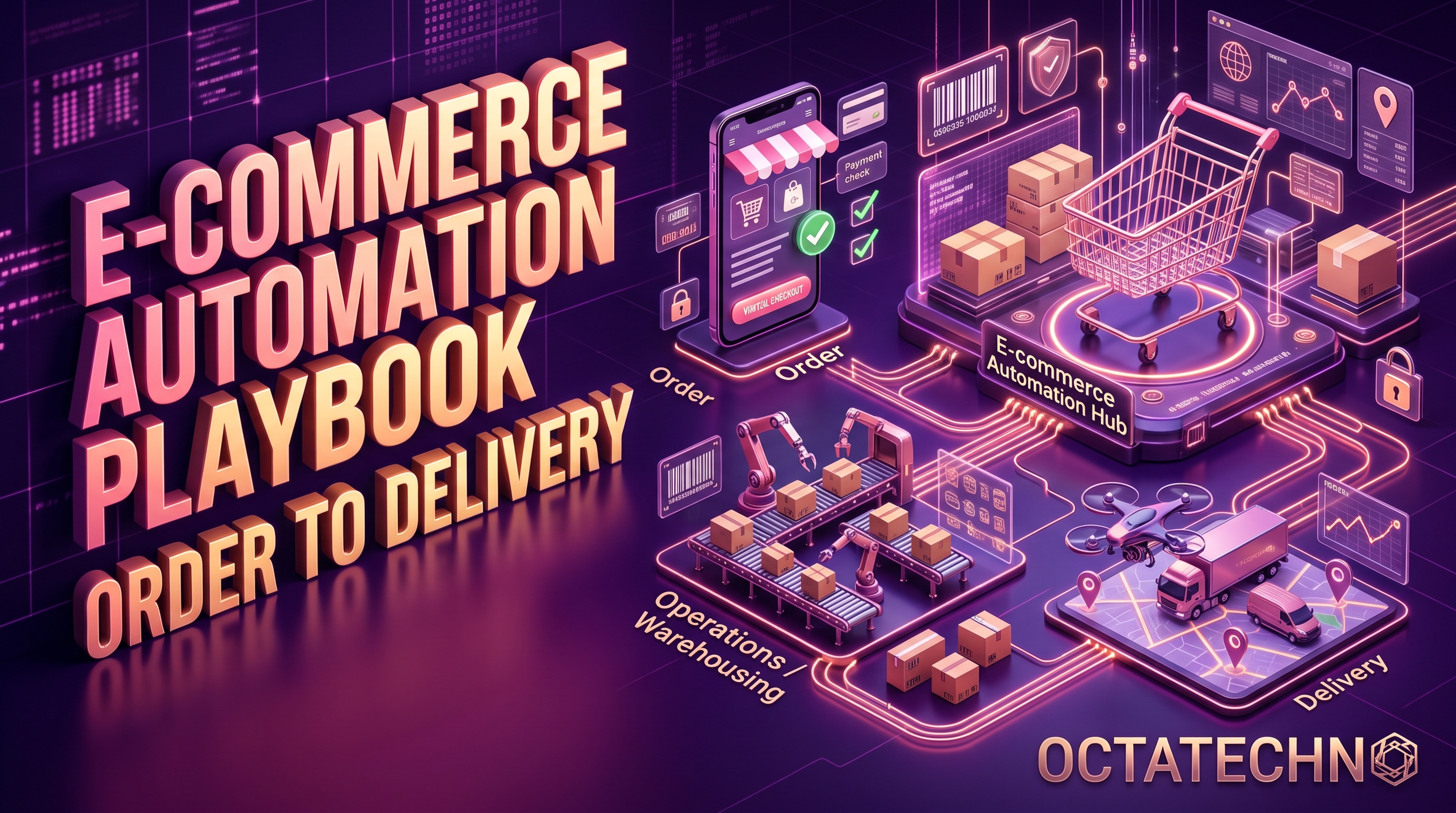
An e-commerce store runs dozens of repetitive workflows every day: cart recovery emails, order confirmations, shipping updates, review requests, inventory alerts. Done manually, they eat hours. Done never, they leak revenue. This playbook walks the full journey from order to delivery — and the automations that make each step profitable.
Stage 1: Recover the Carts You're Losing
Roughly 70% of carts are abandoned. A three-email recovery sequence typically recovers 5–15% of them — pure found money. Here's the standard flow:
- Email 1 (1 hour after abandonment): a simple reminder — "You left something behind" — with product images and a one-click return to checkout. Keep it plain; this email alone does most of the recovering.
- Email 2 (24 hours later): add social proof — reviews of the abandoned product, or a short FAQ answering shipping and returns questions.
- Email 3 (48–72 hours later): a time-limited incentive, e.g. 10% off with a code that expires in 24 hours. Only send to shoppers who haven't purchased since.
Implementation: Shopify and WooCommerce both track abandonment natively; Klaviyo, Mailchimp, or Omnisend run the sequences. Exclude recent buyers, cap frequency, and A/B test subject lines. Our roundup of the best AI workflow automation tools in 2026 compares the email platforms and connectors that power these flows.
Stage 2: Order Confirmation to Doorstep
The window between "order placed" and "delivered" is when buyers are most anxious — and most likely to contact support. Proactive updates slash "where is my order" tickets:
- Instant confirmation: order summary, receipt, and expected delivery date — sent by email and, for high-intent stores, a WhatsApp message too (open rates above 90%).
- Fulfilment updates: "packed," "shipped," "out for delivery" — pulled automatically from your shipping carrier's tracking API (AfterShip, 17track, or native Shopify tracking).
- Exception alerts: if a parcel is delayed or a delivery attempt fails, the workflow messages the customer before they message you, with the new ETA and a support link.
Automated order routing
Behind the scenes, orders should route themselves: by warehouse location for multi-warehouse stores, by product type for dropshipped vs. in-house items, and by shipping method for express upgrades. A wrong routing rule costs real money in shipping — automate it in your order management system (ShipStation, Linnworks) or with n8n/Make sitting between your store and fulfilment.
Stage 3: After Delivery — Reviews and Repeat Purchases
Review requests
Send the review request 5–7 days after delivery (not on delivery day — the customer hasn't used the product yet). Sequence: a friendly email asking for a star rating with one click; if they click 4–5 stars, route them to Google or Trustpilot; if 1–3, route them to a private feedback form so you can fix it before it goes public. This single branching flow protects your public rating while surfacing real problems.
Win-back and replenishment
- Replenishment reminders: for consumables, trigger a reorder email based on the product's typical lifespan (30, 60, 90 days).
- Win-back: customers inactive for 90+ days get a "we miss you" sequence with a personalised product recommendation based on past purchases.
- Loyalty triggers: points balances, tier upgrades, and birthday discounts sent automatically — loyalty programs only work if members actually hear about their rewards.
Stage 4: Inventory and Operations Alerts
Stockouts kill ad spend efficiency. Set up:
- Low-stock alerts to your purchasing team at a reorder-point threshold per SKU, with supplier email drafts auto-generated.
- Back-in-stock notifications to customers who requested them — these convert at very high rates.
- Daily digest of refunds, chargebacks, and failed payments to the owner, so nothing festers.
Returns and Failed Payments: The Unsexy Revenue Savers
Two workflows stores routinely neglect are returns and failed payments — both pure margin when automated.
Self-serve returns
A returns portal where customers select items, pick a reason, and get a prepaid label or drop-off code — no email thread, no support ticket. The workflow updates inventory the moment the return is scanned in transit, issues the refund or store credit automatically on receipt, and flags high-return SKUs in a weekly report so you can fix sizing descriptions or product quality issues. Clear, fast returns also measurably increase first-time purchase conversion, because buyers check the policy before they buy.
Failed payment recovery
Subscription and high-ticket stores lose real money to expired cards. A dunning flow retries the charge on a smart schedule (day 1, 3, 7), emails the customer with a one-click card-update link before each retry, and only pauses the subscription after the final attempt — recovering a large share of what would otherwise be involuntary churn.
Putting It Together
Start with cart recovery (fastest ROI), then order tracking (biggest support-ticket reduction), then post-purchase flows (compounding revenue). Most of this runs on your existing store plus one email platform and one automation tool — an AI workflow automation setup ties your store, email platform, and fulfilment tools into a single system.
Real-World Examples
A DTC skincare brand (Shopify, ~400 orders/month)
Their biggest leak was cart abandonment on mobile — 78%. They rebuilt the recovery sequence with SMS as the second touch instead of a second email: email at 1 hour, SMS at 6 hours with the cart link, final email with a 10% code at 48 hours. Recovery went from 4% to 11% of abandoned carts. The SMS step accounted for most of the lift, because the audience was 70% mobile.
A furniture store (WooCommerce, high-ticket)
With average order values above $800, "where is my order" tickets were eating two support hours a day. They added proactive WhatsApp updates at packed, shipped, and out-for-delivery stages, plus automatic exception alerts for delays. Delivery support tickets dropped 60% in six weeks, and the review-request flow — sent 10 days after delivery, once the customer had assembled the product — doubled their monthly review volume.
Smarter Segmentation: The Difference Between 5% and 15% Recovery
The same cart email performs very differently depending on who gets it. Segment your flows:
- First-time vs. returning buyers: returning customers convert on a plain reminder; first-timers often need the social-proof email (reviews, guarantees) before they'll trust you.
- High-intent signals: shoppers who viewed shipping or returns pages are close — prioritise them with faster first touches.
- Discount sensitivity: if someone only ever buys with a code, the incentive email works; if they never use codes, sending one trains them to wait for discounts. Suppress the discount email for full-price buyers.
- Suppression lists: always exclude recent purchasers, active support-ticket holders (don't market to someone mid-complaint), and anyone who received a recovery email in the last 7 days. Frequency caps protect your sender reputation and your margins.
Post-Purchase Upsells and Cross-Sells
The cheapest customer to sell to is the one who just bought. Three automated plays:
- Thank-you page + confirmation email upsell: a one-click add-on (accessories, extended warranty, gift wrap) shown immediately after purchase converts far better than the same offer shown a week later.
- Post-delivery cross-sell: 10–14 days after delivery, recommend complementary products based on the actual purchase ("customers who bought X also bought Y"). Use real order data, not generic bestsellers.
- Bundle completion: if you sell sets or systems (skincare routines, tool kits), detect incomplete bundles and email the missing pieces with a small bundle-discount incentive.
The Metrics That Matter
Track one number per stage so you know exactly where revenue leaks:
- Cart recovery rate: recovered orders ÷ abandoned carts. Benchmark: 5–15%.
- "Where is my order" ticket volume: should fall month over month as proactive updates roll out.
- Review rate and average rating: reviews per 100 delivered orders, plus the star distribution — the branching flow should lift volume without dragging the average down.
- Repeat purchase rate: the percentage of customers ordering again within 90 days — the true measure of your post-purchase flows.
- Failed payment recovery rate: the percentage of dunning cases that end in a successful charge.
- Inventory stockout rate: the percentage of SKUs hitting zero unexpectedly — should trend toward zero with reorder-point alerts.
Common Mistakes
- Sending the review request on delivery day. The customer hasn't used the product yet. Wait 5–10 days depending on the category, and you'll get thoughtful reviews instead of "haven't tried it yet."
- Discounting in the first recovery email. Lead with a plain reminder — a large share of abandoners just got distracted. Save the discount for email three, and only for price-sensitive segments.
- Marketing to angry customers. If someone has an open support ticket or a recent return, suppress promotional flows until it's resolved. Nothing torches goodwill like a "we miss you!" email mid-dispute.
- Set-and-forget sequences. Product lines change, shipping times change, codes expire. Audit every automated flow quarterly — a recovery email advertising a discontinued product is worse than no email.
- Ignoring deliverability. Automated flows multiply your sending volume. Warm up new domains, keep list hygiene (remove hard bounces), and watch spam-complaint rates — a great sequence in the spam folder recovers nothing. Proper email marketing automation includes deliverability setup, not just sequences.
E-commerce Automation FAQ
Which automation should a new store build first?
Cart recovery — it takes a day to set up on Shopify or WooCommerce with Klaviyo or Mailchimp, and it's the fastest payback in e-commerce. Second: order confirmation plus shipping updates, because they cut support load immediately.
Do I need a developer for this?
For the standard flows (cart recovery, review requests, win-back), no — email platforms ship these as templates. You need technical help when flows span systems: store → warehouse → carrier → WhatsApp, or custom routing logic. That's where an automation layer like n8n earns its keep.
Won't customers find WhatsApp messages intrusive?
Only if they're marketing. Transactional messages — order confirmations, shipping updates, delivery exceptions — get 90%+ open rates and near-zero complaints because customers want them. Keep promotions on email and WhatsApp for service messages, and always get opt-in at checkout. WhatsApp Business automation keeps opt-ins, templates, and quiet hours compliant.
How do I measure ROI?
Attribute revenue per flow: most email platforms report revenue per automation. Compare recovered-cart and win-back revenue against the platform plus build cost. Stores typically see the full playbook pay for itself within 60–90 days.
Ready to automate your store? Contact us and we'll audit your current order-to-delivery flow for free.