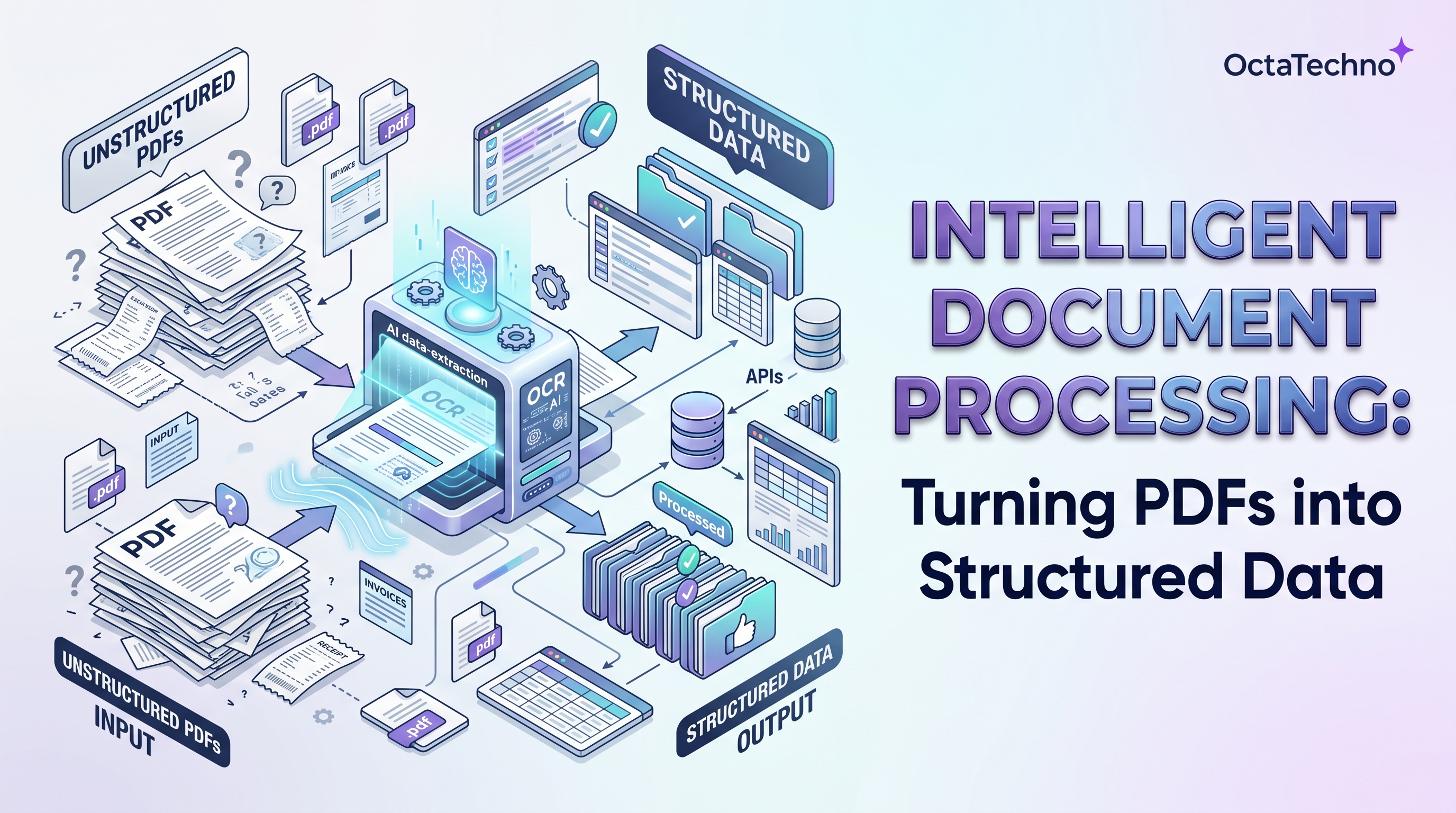
Every business runs on documents it cannot easily read. Invoices arrive as PDF attachments, contracts live in scanned images, applications come in a dozen different layouts, and somewhere a team of people retypes the contents into systems by hand. It is slow, error-prone, and quietly one of the most expensive manual processes in any back office. Intelligent document processing, or IDP, exists to end that retyping. It combines optical character recognition with language models to pull structured, usable data out of unstructured documents, automatically and at scale.
What IDP Actually Does
At its core, IDP is a pipeline with four stages. First, ingestion: documents arrive from email, uploads, scanners, or APIs and are normalized into a processable form. Second, classification: the system identifies what kind of document it is looking at, an invoice versus a purchase order versus a contract, because each type needs different handling. Third, extraction: OCR converts pixels to text, and language models pull out the specific fields that matter, dates, totals, line items, parties, terms. Fourth, validation and routing: extracted data is checked against business rules and pushed into the right downstream system, your ERP, CRM, or database.
The intelligence is in the middle two stages. Traditional OCR could read characters but could not understand that the number next to the word Total on page two is the invoice total while a similar number on page one is a reference code. Modern language models handle layout variation, inconsistent labeling, and even poor scan quality with a robustness that template-based extraction never achieved.
Where It Pays Off
Invoice and billing processing
Accounts payable is the classic IDP workload. Invoices arrive in hundreds of supplier-specific formats; IDP extracts vendor, dates, line items, tax, and totals, matches them against purchase orders, and flags only the exceptions for human review. Teams routinely cut processing time per invoice by more than half while catching duplicate and mismatched invoices that humans miss.
Contracts and legal documents
Legal and procurement teams sit on archives of contracts whose key terms exist nowhere but inside PDFs. IDP extracts parties, dates, renewal terms, payment clauses, and obligations into a searchable database, turning a filing cabinet into a queryable asset. Renewal deadlines stop being surprises.
Forms and applications
Loan applications, insurance claims, onboarding packets, and job applications all follow the same pattern: structured information trapped in semi-structured layouts. IDP normalizes them into clean records, so downstream automation can actually use the data instead of choking on it.
Logistics and trade paperwork
Bills of lading, customs declarations, and delivery notes are high-volume, high-variety documents where manual entry directly delays shipments. Automated extraction keeps goods and data moving together.
Accuracy and the Human in the Loop
No extraction system is perfect, and pretending otherwise is how IDP projects fail. The professional approach is confidence-based routing: the system assigns a confidence score to every extracted field, and anything below your threshold goes to a human reviewer. High-confidence fields flow straight through; uncertain ones get a quick glance. This design captures nearly all the efficiency gain while keeping error rates below manual entry, because reviewers focus only on the genuinely ambiguous cases.
Set thresholds by field criticality. An invoice total deserves stricter review than a reference number. Track accuracy per document type and per supplier, and retrain or adjust prompts for the layouts that underperform. Over time the review queue shrinks as the system learns your document population, but the human checkpoint should never fully disappear for financially significant fields.
Build vs Buy
Off-the-shelf IDP platforms get you running fast on common document types like invoices and receipts, and for many teams they are the right answer. Consider building a custom pipeline when your documents are unusual, when extraction feeds directly into proprietary workflows, when data cannot leave your infrastructure for compliance reasons, or when per-document pricing of SaaS tools exceeds the cost of running your own models at your volume. A hybrid is common: buy the OCR and classification layer, build the extraction and validation logic that encodes your business rules.
Security and Compliance Considerations
Documents contain the most sensitive data a business holds: financial figures, personal information, and contractual obligations. Your IDP pipeline needs encryption in transit and at rest, strict access controls on the review interface, and clear retention policies for originals and extracted data. If you operate under regulations like GDPR or industry-specific rules, confirm where processing happens and who can access it before a single document flows through the system.
An Implementation Roadmap
- Pick one document type. Start with the highest-volume, most painful one, usually invoices. Narrow scope is what makes the first win fast.
- Assemble a representative sample. Fifty to a hundred real documents covering your layout variety, including the ugly scans.
- Define the fields and the rules. List exactly which fields you need and the validation logic for each, required formats, ranges, cross-checks against existing systems.
- Build the pipeline with review tooling. Extraction without an efficient human review interface just moves the bottleneck.
- Run in parallel with manual processing. Compare outputs for two to four weeks before trusting the pipeline, and measure accuracy per field.
- Expand document by document. Each new type gets easier as your validation patterns and integrations mature.
Document processing is one of the highest-ROI automation targets we implement, because the before-state is almost always pure manual drudgery with measurable error costs. Our AI and machine learning solutions team builds IDP pipelines tailored to your document types and systems, and our custom API integrations service connects extraction output directly into your ERP or CRM. Book a discovery call with a sample of your documents and we will show you what automated extraction looks like on your real paperwork.