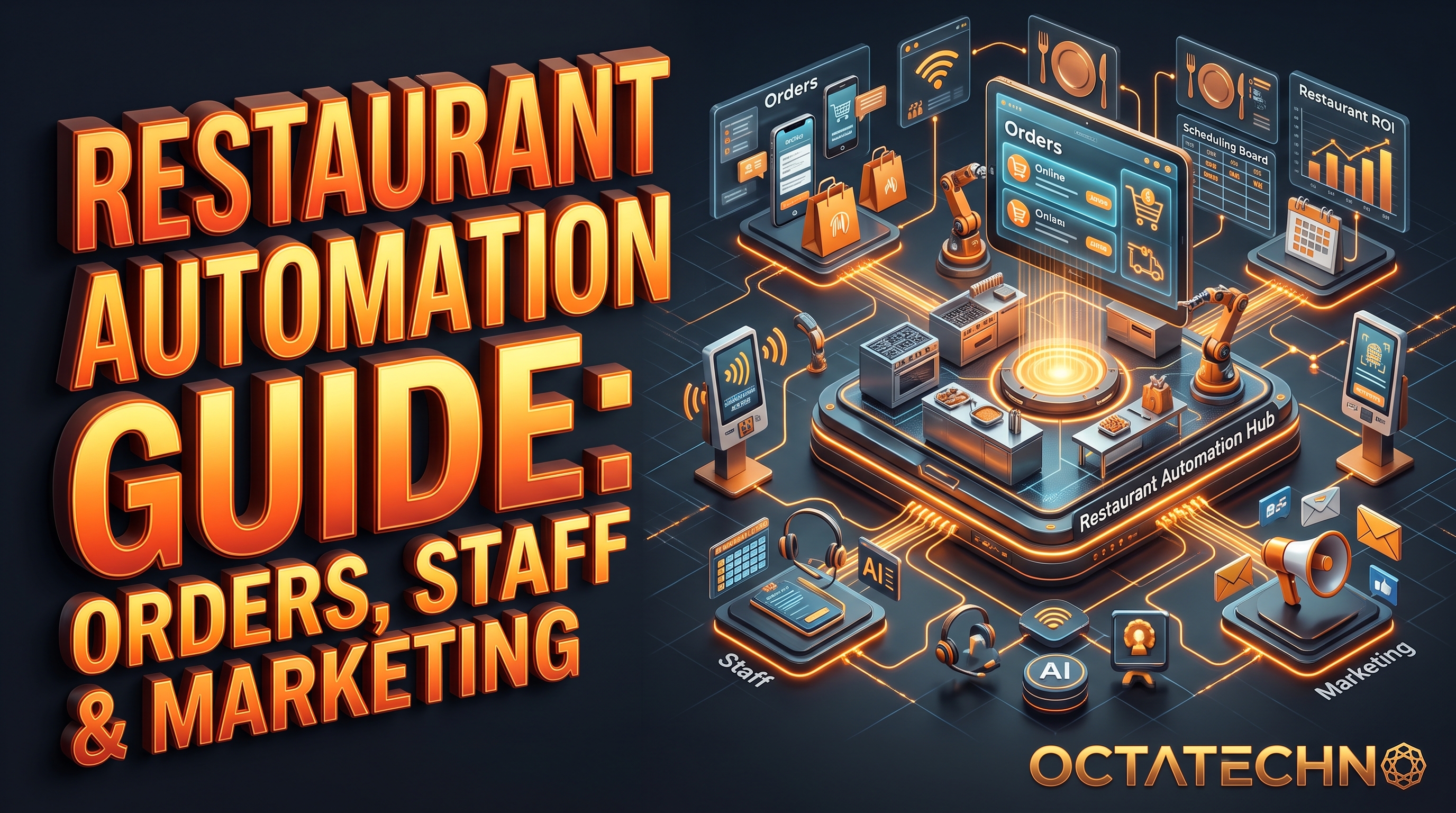
Restaurants operate on some of the thinnest margins in any industry, which makes every no-show, missed phone order, and empty Tuesday night expensive. The good news: restaurants are also one of the easiest businesses to automate, because the workflows are so repetitive. Here's the complete guide.
1. Online Ordering That Runs Itself
Third-party delivery apps take 15–30% commission per order. Your own automated ordering channel keeps that margin:
From click to kitchen display
- Direct ordering: a simple online ordering page (your website, a QR code on tables, or a WhatsApp ordering flow) with the full menu, modifiers, and payment built in.
- Kitchen routing: orders flow straight to a kitchen display system or printer, tagged dine-in, takeaway, or delivery — no re-typing from a phone call, which is where errors happen.
- Order status updates: the customer gets automatic updates — received, preparing, ready for pickup, driver dispatched — by SMS or WhatsApp. Fewer "is my order ready?" calls to a busy line.
- Smart upsells: at checkout, the system suggests add-ons based on the order (drinks with mains, dessert after two courses). Automated, always on, and it lifts average order value.
2. Reservations Without the No-Shows
An empty table on a Friday night is revenue you never get back. The reservation workflow:
- Online booking: a reservation widget on your site and Google profile, with party size, time slots tied to real table availability, and special-request fields.
- Confirmation: instant confirmation with a calendar attachment and a "running late? let us know" reply option.
- Reminder sequence: email or WhatsApp 24 hours before, SMS 3 hours before, each with a one-tap confirm/cancel/modify link. Tables freed by cancellations go straight back into bookable inventory.
- No-show policy: for peak slots, take card details at booking with a clear no-show fee policy — automated, no awkward conversations at the door.
- Waitlist automation: when fully booked, guests join a digital waitlist and get notified automatically when a table frees up.
3. Staff Scheduling and Communication
Rota chaos is a hidden cost — overstaffed quiet shifts, understaffed rushes, and managers spending Sunday evenings on spreadsheets:
- Demand-based scheduling: rosters generated from historical sales data — busier forecasts get more staff automatically, with labour-cost caps enforced per shift.
- Shift marketplace: open shifts post to a staff app; swaps and pickups happen between staff with manager auto-approval within rules (no overtime breaches, required skills covered).
- Reminders: automatic shift reminders the evening before cut lateness and no-shows.
- Clock-in integration: actual hours flow into payroll, and variances against the rota flag automatically for review.
4. Marketing and Loyalty on Autopilot
Most restaurants market in bursts — a flurry of posts, then silence. Automation makes it consistent:
Turn one-time guests into regulars
- Review engine: 2 hours after a dine-in visit (or on delivery), the guest gets a review request. Happy raters are routed to Google/TripAdvisor; unhappy ones to a private feedback form with a manager alert.
- Loyalty program: points accrue automatically per visit; the guest gets balance updates and is nudged when close to a reward. Birthday and anniversary offers go out without anyone remembering dates.
- Win-back campaigns: guests who haven't visited in 60 days get a personalised "we miss you" offer featuring what they ordered last time.
- Slow-night fillers: Tuesday looking empty? A targeted offer goes to your loyalty list automatically when bookings fall below a threshold.
- Social content pipeline: daily specials and events post to Instagram and Facebook from a scheduled queue — the team just approves photos.
5. Inventory and Supplier Automation
- Stock alerts: when key ingredients hit par levels (tracked via your POS), purchase orders draft themselves to the right supplier.
- Waste tracking: end-of-day waste logged in one tap feeds a weekly report highlighting what's being over-ordered.
- Menu engineering: automatic margin reports per dish — food cost vs. selling price vs. popularity — so menu changes are data-driven, not gut feel.
6. Guest Data: The Asset Most Restaurants Waste
Every order, reservation, and review generates data. Most restaurants let it evaporate. Capturing it once, automatically, turns one-time diners into a marketing list you actually own:
- Wi-Fi login capture: guests join your free Wi-Fi with a phone number or email. That's a consented contact added to your database with zero staff effort and no awkward "can I take your details?" moment.
- Unified guest profiles: your POS, reservation system, and ordering channel should feed one profile per guest — visit history, average spend, dietary notes, favorite dishes. When a regular books, the host sees "allergic to nuts, prefers the corner table" before they walk in.
- Preference memory: "last time you had the ribeye" on a win-back message converts far better than a generic 10% off. Automation makes that kind of personalization cheap instead of impossible.
- Source tracking: tag every new contact with where they came from — Google, Instagram, walk-in, delivery app. After 90 days you know which channels bring repeat diners versus one-time bargain hunters, and you spend your marketing budget accordingly.
None of this needs a data team — a connected POS and a simple CRM do the job. Our CRM implementation service connects these pieces so guest data flows into one place automatically.
7. Running It Across Multiple Locations
One site is a project; three sites are a system. Multi-location restaurants get extra leverage from automation:
- Central menu management: update a dish, price, or photo once and push it to every location's ordering pages, QR menus, and kiosks. No more location A showing last season's prices while location B is current.
- Consolidated reporting: one dashboard comparing food cost, labor percentage, and review scores across locations. Underperformers surface in minutes, not at month-end when the damage is done.
- Shared waitlist and loyalty: points earned at one branch redeemable at all of them; a guest waitlisted at the downtown site gets offered the riverside one with availability, instead of being lost entirely.
- Standardized playbooks: the reminder sequences, review requests, and win-back campaigns run identically everywhere — a new location inherits the whole system on day one instead of reinventing it.
Common Restaurant Automation Mistakes
- Automating a broken process: if your reservation policy is confusing, automation just sends confusing messages faster. Fix the process on paper first, then automate it.
- App sprawl: separate tools for reservations, ordering, loyalty, scheduling, and reviews that don't talk to each other means staff juggle five dashboards. Keep the stack small and connect the pieces with a workflow platform.
- Skipping staff buy-in: a kitchen display system nobody trusts gets ignored. Involve the floor team in the rollout, explain what's in it for them (fewer angry phone calls, fairer rotas), and train on real shifts — not a PDF.
- Review gating gone wrong: routing unhappy guests to a private feedback form is smart; pressuring staff to solicit only 5-star reviews or offering incentives for positive reviews violates Google's policies and can get reviews removed.
- Set-and-forget messaging: win-back offers and birthday messages need fresh creative every few months. Check redemption rates quarterly — an offer nobody redeems twice is just noise.
Pro Tips: Squeeze More Out of Every Automation
- Time your review request: send it when the guest is happiest — for dine-in, 60–90 minutes after the bill; for delivery, 30 minutes after the estimated arrival. Too early feels pushy, too late loses the moment.
- Layer your reminders: WhatsApp first (highest open rate), then SMS as backup for non-openers two hours before the reservation. You catch cancellations earlier without spamming everyone.
- Use the slow-night trigger honestly: a targeted offer works because it's rare. If every Tuesday is "special offer Tuesday," it becomes the price, not a promotion.
- Track one number per automation: no-show rate, review volume, direct-order share, labor percentage — one metric each, reviewed monthly. If it doesn't move the metric in 60 days, change the automation, not the metric.
Start With the Biggest Leak
If automating everything at once feels like too much, rank by pain: no-shows usually cost the most per incident, so reservation reminders come first. Next, the review engine — it compounds over time and you can't buy that credibility later. Then direct ordering to claw back commission, then loyalty and staff scheduling. Each layer reuses the same customer data, so every automation you add makes the next one smarter. Within a quarter, the restaurant runs on systems instead of memory and sticky notes.
The Payoff
Restaurants that automate these five areas typically see fewer no-shows, lower delivery commissions, steadier weeknight traffic, and managers freed from admin to actually run the floor. Start with reservations and review requests — they're the quickest wins — then build out ordering and loyalty. Our comparison of n8n vs Zapier vs Make will help you pick the automation platform underneath it all.
Frequently Asked Questions
How much does restaurant automation cost?
A single location can automate reservations, reminders, and review requests for roughly the cost of one part-time hire's monthly wage — often less once delivery commissions drop. Most operators start with one workflow (usually reservation reminders) and reinvest the savings into the next layer.
Will automation make the restaurant feel impersonal?
Only if you automate the hospitality itself. The rule: automate the admin (reminders, scheduling, data entry) and keep humans on the experience (greeting, service recovery, the personal touch). Guests notice faster responses and remembered preferences — they don't miss being put on hold.
Do we need new hardware?
Usually not. Most of these workflows run on tools you already have — your POS, a phone, and the guest's phone. Kitchen displays can run on a cheap tablet; ordering and reservations are entirely software. The biggest investment is the one-time setup, not equipment.
How long before we see results?
Reservation reminders cut no-shows within the first week. Review engines compound over two to three months. Direct ordering takes longer — you need to actively steer guests away from delivery apps with table QR codes and first-order incentives. Expect the full stack to pay back inside a quarter.
Running a restaurant and drowning in admin? Talk to us — we'll show you exactly which automations pay for themselves first.