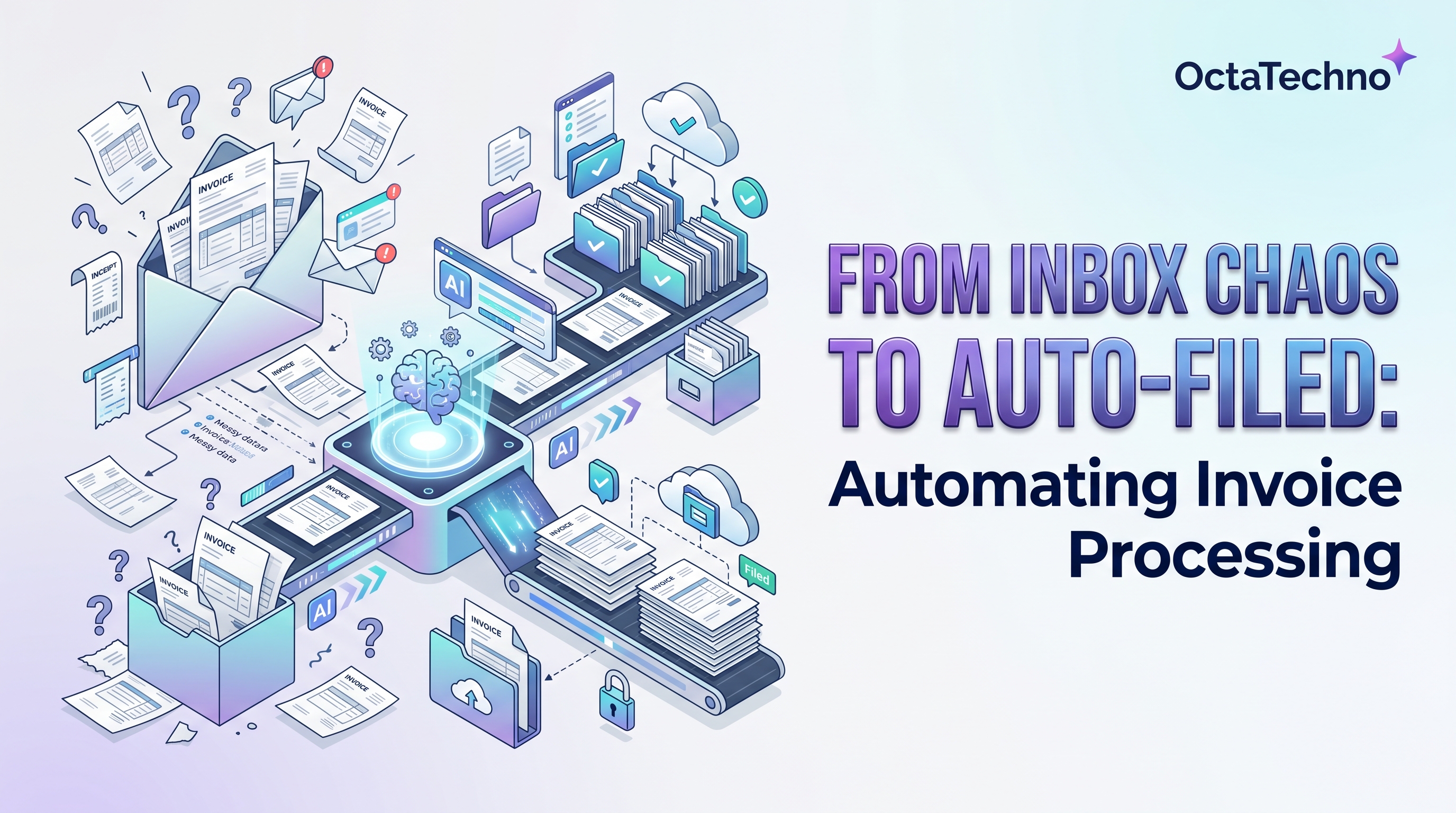
The Real Cost of Manual Invoice Processing
Every invoice that arrives in your inbox triggers the same ritual: open the attachment, read the amounts, type them into your accounting system, check the PO number, route it for approval, and file the PDF somewhere it can be found later. Done once, it takes minutes. Done hundreds of times a month, it consumes entire roles. Studies consistently put the fully loaded cost of processing a single invoice manually between fifteen and forty dollars once labor, errors, and delays are counted.
The errors are the expensive part. A mistyped decimal, an invoice approved twice, a discount missed because nobody noticed the payment terms — these leak money quietly. And late payments damage supplier relationships that took years to build. Automating invoice processing is one of the highest-ROI workflow projects a business can take on, because the volume is predictable and the rules are clear.
What an Automated Invoice Pipeline Looks Like
A complete pipeline has five stages. First, capture: invoices are pulled automatically from a dedicated email inbox, a shared drive folder, or an upload portal. Second, extraction: an OCR and document-AI layer reads the PDF and pulls out the vendor name, invoice number, dates, line items, totals, tax, and payment terms. Third, validation: the extracted data is checked against rules — does the total match the sum of line items, does the vendor exist in your system, is there a matching purchase order. Fourth, approval routing: invoices flow to the right approver based on amount thresholds and department. Fifth, posting and archiving: approved invoices are pushed into your accounting system and the original file is stored with searchable metadata.
Step 1: Centralize Invoice Intake
Create a single dedicated inbox such as invoices@yourcompany.com and ask every vendor to send invoices there. Set up forwarding rules so invoices sent to personal inboxes land in the central one too. This one change eliminates the most common failure mode of manual processing: invoices hiding in someone's email while the due date passes. A workflow automation platform watches this inbox and triggers the pipeline the moment a new attachment arrives.
Step 2: Extract Data With Document AI
Modern extraction tools handle scanned PDFs, photos of paper invoices, and multi-page documents with line items. Services like AWS Textract, Google Document AI, and Azure Document Intelligence return structured fields with confidence scores per field. Route low-confidence fields to a human reviewer and let high-confidence ones flow straight through. Over the first month, track which vendors produce the most exceptions — a quick template tweak or a word with the vendor about their format usually fixes repeat offenders.
Step 3: Validate Against Your Business Rules
Validation is where automation earns its keep. Check that the vendor exists in your master list and flag unknown senders for review — this single rule catches a surprising amount of fraud. Match the invoice against purchase orders: if the amounts agree within your tolerance, it can skip human approval entirely. Enforce duplicate detection on vendor plus invoice number so the same invoice can never be paid twice. These rules run in seconds and never have an off day.
Step 4: Route Approvals Intelligently
Replace reply-all email chains with structured approval routing. Invoices under a threshold go to the department manager; larger ones escalate to finance leadership. Approvers get a clean summary — vendor, amount, PO match status, due date — with approve and reject buttons, not a PDF to decipher. Set reminders that escalate automatically so nothing stalls because someone was on leave. Every decision is logged with a timestamp, which your auditors will love.
Step 5: Post to Accounting and Archive
Approved invoices flow into QuickBooks, Xero, NetSuite, SAP, or your ERP through a native integration or API. The original document is archived with metadata — vendor, date, amount, approver — so anyone can find it in seconds during an audit or a dispute. Retention policies can auto-purge files after your legal holding period expires. Our AI workflow automation service has delivered this exact pipeline for finance teams, and the month-end close consistently gets shorter.
Handling Exceptions Without Losing the Gains
No pipeline runs at one hundred percent straight-through processing, and chasing that last ten percent is where projects stall. Design your exception queue deliberately: group similar exceptions so a reviewer clears twenty vendor-format issues in one sitting instead of twenty interruptions across the week. Give reviewers one-click actions — approve, correct and approve, or reject with reason — and feed every correction back into your extraction templates. The exception rate should fall month over month; if it does not, the problem is upstream data quality, not the automation. A healthy target is under fifteen percent exceptions after the first quarter.
What You Can Realistically Expect
A well-scoped project takes four to eight weeks from kickoff to go-live. Expect straight-through processing — no human touch — on sixty to eighty percent of invoices, with the rest routed to reviewers for exceptions. Most businesses recover the project cost within two to four months through labor savings, captured early-payment discounts, and eliminated duplicate payments. Start with your highest-volume vendors first; the win is visible within weeks, which builds momentum for the long tail.
Ready to Stop Typing Invoices?
If your finance team is still retyping PDFs into spreadsheets, you are paying a monthly tax on a solved problem. Book a discovery call and we will map your current invoice flow, identify the quick wins, and give you a fixed-scope proposal for automating it end to end.