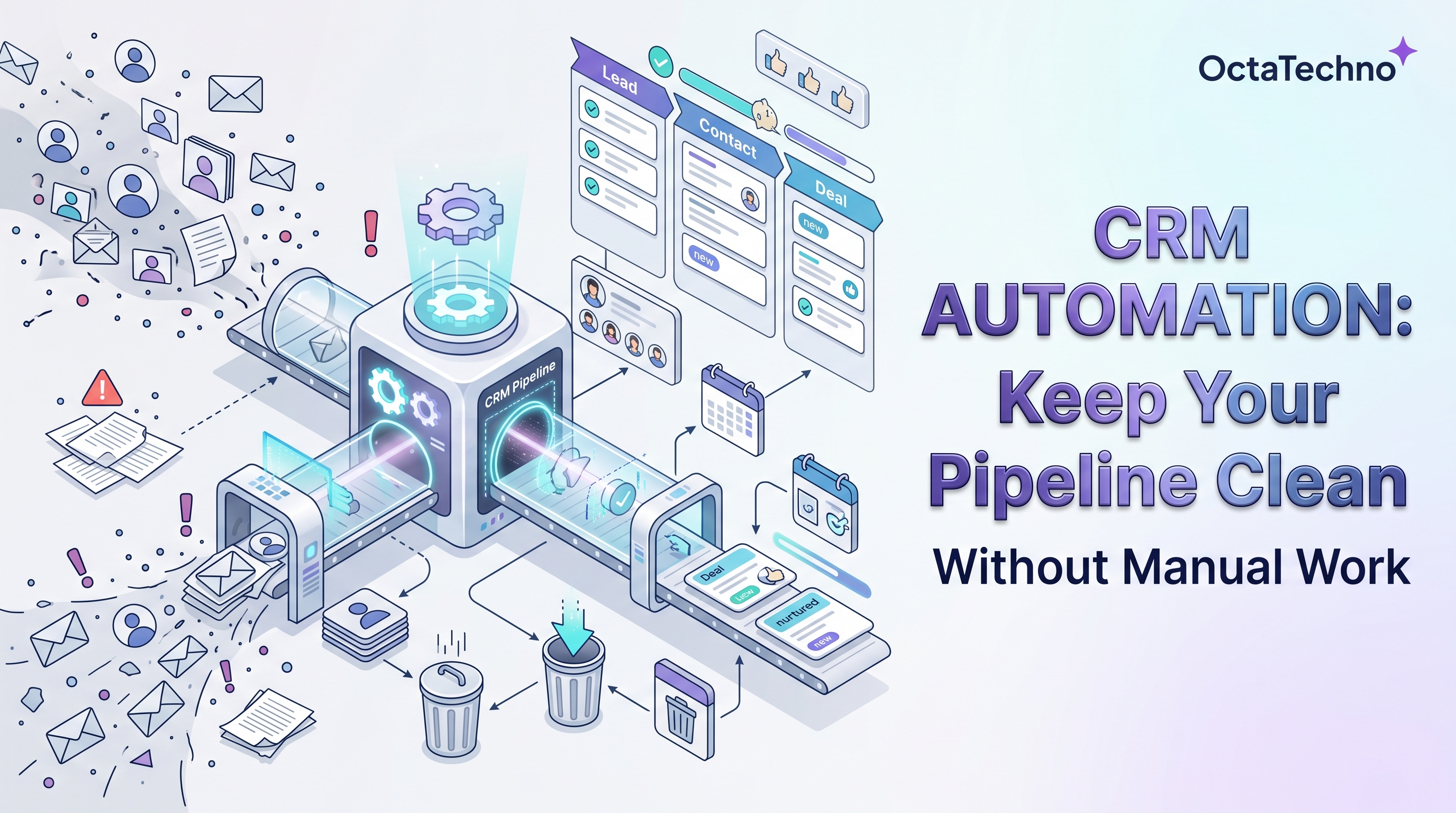
Every sales leader knows the feeling. You open the CRM on a Monday morning, look at the pipeline report, and quietly wonder how much of it is real. Half the deals have not moved in weeks. Contacts are missing phone numbers. Three versions of the same company exist as separate accounts, each owned by a different rep. Your team insists they are about to update everything.
The problem is rarely discipline. It is arithmetic. A sales rep who spends ninety minutes a day on manual CRM admin loses nearly eight hours a week — a full working day — to work that creates zero revenue. Multiply that across a team of ten and you are effectively paying a full-time salary to someone whose only job is typing things into boxes. CRM automation exists to hand that day back to your team.
Why CRM data goes stale
CRMs do not decay because people are careless. They decay because every incentive points away from admin work. Reps are measured on calls made, meetings booked, and deals closed — not on fields filled. So data entry becomes the task that gets postponed until Friday, then until next week, then never.
The second culprit is fragmentation. Customer information arrives from a dozen directions: web forms, inbound email, phone calls, LinkedIn messages, trade shows, spreadsheets from marketing. When there is no automated path from each source into the CRM, every one of those touchpoints becomes a manual transcription job — and transcription jobs get skipped.
The third is the absence of standards. One rep writes 'IBM,' another writes 'International Business Machines,' a third writes 'ibm (old contact).' Without enforced formats and automatic normalization, your database fills with near-duplicates that no report can reconcile.
What CRM automation actually covers
When people hear 'CRM automation,' they often picture a single magic workflow. In practice it is a set of small, reliable automations that together remove nearly all manual data work:
- Lead capture and routing. Every form fill, inbound email, and chat conversation creates a contact automatically, assigns it to the right rep by territory or round-robin, and starts the follow-up sequence within minutes.
- Data enrichment. A bare email address becomes a complete record overnight — company name, size, industry, tech stack, and verified phone numbers pulled from enrichment services.
- Deduplication. Fuzzy matching catches 'Acme Inc' and 'Acme Incorporated' and merges them according to rules you define, instead of letting duplicates multiply.
- Activity logging. Calls, emails, and meetings attach themselves to the right records automatically. Reps never have to remember to log a call again.
- Stage hygiene. Deals that sit untouched for fourteen days get flagged, nudged, or escalated. Stale pipeline stops being invisible.
- Follow-up task creation. Every meaningful interaction spawns the next task with an owner and a due date, so nothing depends on anyone's memory.
A practical blueprint: five automations to start with
You do not need to automate everything on day one. These five cover roughly eighty percent of the manual work in most CRMs, and each can be built and tested independently.
1. Auto-create contacts from every inbound channel
Connect your web forms, shared inboxes, and scheduling tools to the CRM. A new contact should exist within sixty seconds of first touch, with the source tagged so marketing can measure what works. Assignment rules route it instantly — no more 'who is following up with this lead' threads in Slack.
2. Enrich every new record overnight
Run a nightly job that takes records missing key fields and fills them from an enrichment provider. Set a confidence threshold: high-confidence matches update automatically, low-confidence ones go into a review queue. Within a month, your database stops having blank company-size fields.
3. Log calls and emails without human effort
Most modern CRMs and dialers support automatic activity capture. Turn it on, map the fields once, and verify for two weeks that activities land on the right records. This single automation often recovers more rep hours than any other.
4. Nudge stale deals before they rot
Define staleness for each pipeline stage — say, seven days in qualification, twenty-one in negotiation. When a deal crosses the line, the owner gets a nudge with one-click options: log an update, move the stage, or mark it lost with a reason. Pipeline reviews become conversations about strategy instead of archaeology.
5. Send a weekly hygiene report
Every Monday, each rep gets a short digest: records missing required fields, deals without a next step, contacts with bounced emails. Make the report actionable — every item links directly to the record that needs attention — and hygiene stops being a quarterly panic.
Choosing the right tooling
Start with what your CRM already offers. HubSpot workflows, Salesforce Flow, and Pipedrive automations cover lead routing, task creation, and simple field updates without any extra software. These native tools are the fastest win because they live where your data already lives.
For anything that crosses system boundaries — syncing the CRM with your helpdesk, enriching from external APIs, or posting summaries to Slack — a general automation platform earns its place. Make and Zapier suit teams that want visual builders; n8n suits teams that want deeper control and per-execution pricing. When the logic gets genuinely complex, with AI classification or multi-system orchestration, that is where our AI workflow automation service comes in: we design the whole pipeline, not just the connectors.
One caution: resist the urge to automate a broken process. If your stages do not reflect how deals actually move, automation will just produce bad data faster. Spend a week fixing the process on paper first.
Measuring the payoff
Track three numbers before and after. First, data completeness: the percentage of records with all required fields filled. Healthy teams sit above ninety percent. Second, admin hours per rep per week, measured by survey — expect it to drop by half or more. Third, speed to first follow-up: automated routing typically cuts it from hours to minutes, and faster follow-up measurably lifts conversion.
A clean CRM is not a vanity project. It is the difference between forecasts you can trust and forecasts you apologize for. If your pipeline data feels more like fiction than fact, book a discovery call with us and we will map exactly which automations would pay back fastest in your setup.