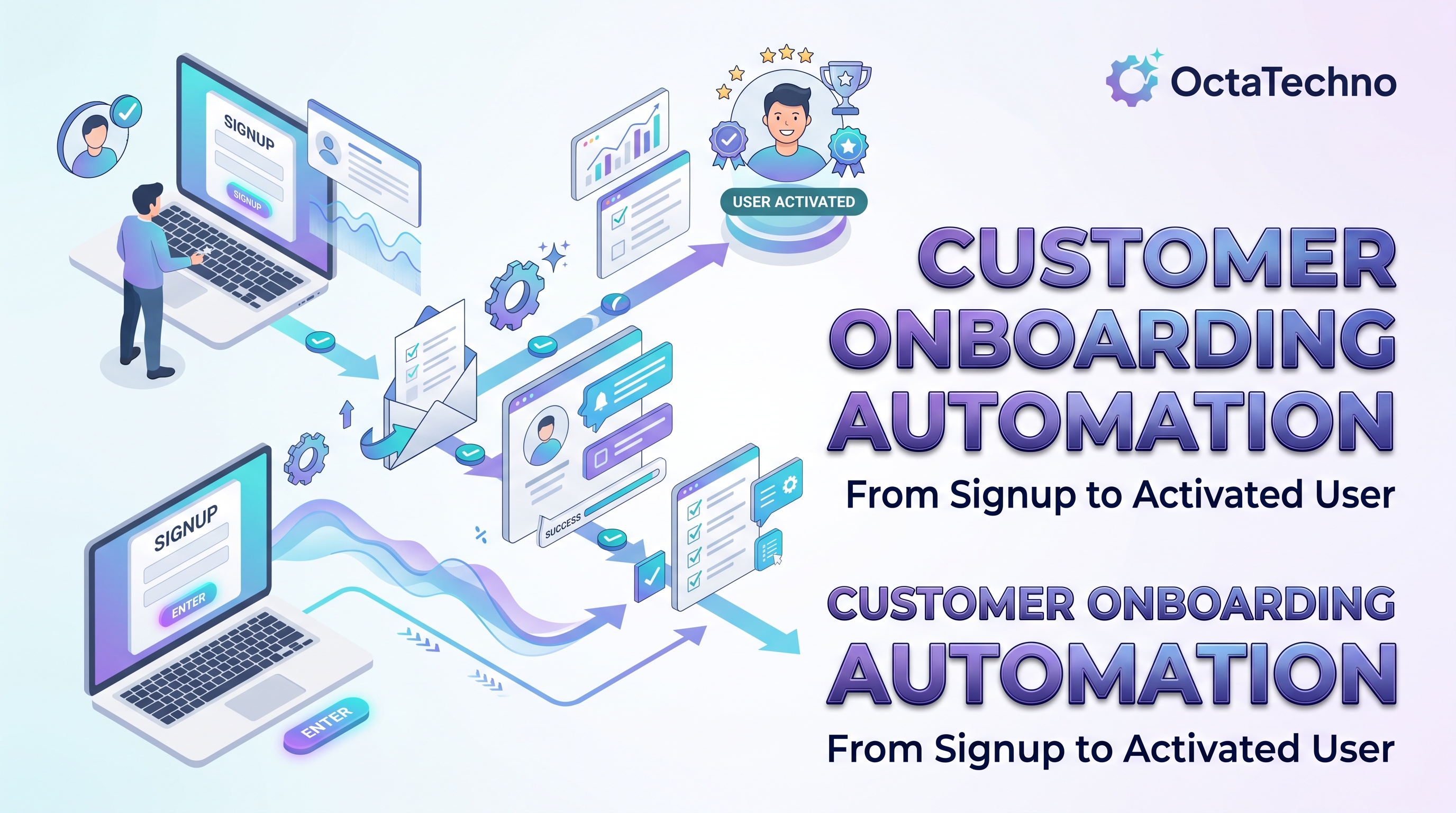
The gap between a signup and an activated user is where revenue is won or lost. Industry data consistently shows that a large share of new users never complete setup, not because the product is bad, but because the onboarding experience leaves them stranded. Manual onboarding cannot scale: as signup volume grows, welcome emails go out late, setup calls get missed, and promising accounts quietly churn. Automating customer onboarding fixes the consistency problem. Every new user gets the right guidance at the right moment, whether you have ten signups a day or ten thousand.
Map the Journey Before Automating Anything
Automation applied to a broken process just produces broken outcomes faster. Start by mapping the actual path from signup to first value. For most B2B products the stages look like this: account creation, profile and data setup, team invitation, integration or import, first meaningful action, and the habit-forming second and third sessions. For each stage, note where users currently stall. Support tickets, session recordings, and drop-off analytics will tell you exactly where the friction lives. Automate the friction points first, because that is where the return is highest.
What to Automate at Each Stage
Instant welcome and account provisioning
The moment someone signs up, automation should create their workspace, assign the right plan and permissions, and trigger a personalized welcome sequence. Delays here are pure waste: a user who waits hours for access has already started doubting the purchase. Connect your signup form or billing system to your product and CRM so provisioning happens in seconds.
Guided data collection
Instead of dumping a twenty-field setup form on new users, collect information progressively. Automation can send short, contextual requests: company details after signup, integration credentials once the workspace exists, team invites after the first login. Each request should explain why the information matters, which dramatically improves completion rates.
Behavior-triggered guidance
The most effective onboarding automation reacts to what users actually do. If a user completes setup but never invites teammates, trigger a message explaining collaboration benefits. If they stall halfway through configuration, offer a concise video walkthrough of exactly the step they are stuck on. If they reach first value quickly, congratulate them and suggest the natural next step. This kind of responsive guidance feels personal because it is relevant.
Internal coordination
Onboarding is not only customer-facing. When a high-value account signs up, automation should create a CRM record, assign an owner, open an onboarding checklist, notify the account team in Slack or Teams, and schedule the kickoff call. Nothing kills momentum like a hot lead sitting in an inbox over the weekend.
Milestone tracking and nudges
Define the three to five milestones that predict long-term retention, then track every account against them automatically. Accounts that stall get escalating nudges: first a helpful email, then an in-app message, then a human outreach task for the success team. Accounts that breeze through get fast-tracked to advanced features and advocacy programs.
Where Humans Still Matter
Automation should handle the predictable so humans can handle the exceptional. Enterprise deals, complex migrations, and frustrated users all deserve real people. A good rule: automate everything that is the same for every customer, and keep humans on everything that varies. The kickoff call for a strategic account, the rescue conversation with a struggling user, the custom integration scoping session: these are high-leverage human moments that automation should tee up, not replace. Make sure every automated sequence has a clear escape hatch to a human, because nothing damages trust like a bot loop when a customer needs help.
The Metrics That Tell You It Is Working
Measure outcomes, not activity. Time-to-value, the hours or days between signup and first meaningful outcome, is the single most important onboarding metric. Track it by cohort and watch it fall as you automate. Activation rate, the percentage of signups that complete your defined setup milestones, tells you whether guidance is effective. Drop-off analysis by stage shows you exactly which automation to build next. And support ticket volume during the first thirty days reveals whether onboarding is actually teaching or just nagging. Review these monthly; onboarding is never finished, it just gets sharper.
Extend Onboarding Into the Full Lifecycle
Onboarding does not end at activation. The same automation infrastructure can drive expansion: usage-based upsell triggers when accounts approach plan limits, win-back sequences for dormant trials, and advocacy invitations for power users. Teams that treat onboarding as the first chapter of lifecycle automation, rather than a one-time project, compound their returns with every stage they connect.
A Practical Implementation Sequence
- Connect the systems. Your signup source, CRM, email platform, and product analytics must share data before any automation can be intelligent.
- Automate the welcome and provisioning flow first. This is the highest-volume, lowest-controversy win.
- Add behavior-triggered messages for the two biggest stall points you identified in your journey map.
- Build the internal handoff automation so sales, success, and support stay synchronized without manual updates.
- Layer in milestone tracking and escalation once the basics run reliably.
Most teams can ship steps one and two in a few weeks and see measurable activation lifts within the first quarter. If you want this built properly rather than bolted on, our AI workflow automation service designs onboarding systems that connect your CRM, product, and communication tools into one coherent flow. We also handle the data plumbing through our custom API integrations service when off-the-shelf connectors fall short. Book a discovery call and we will map your signup-to-value journey and show you exactly which parts to automate first.